
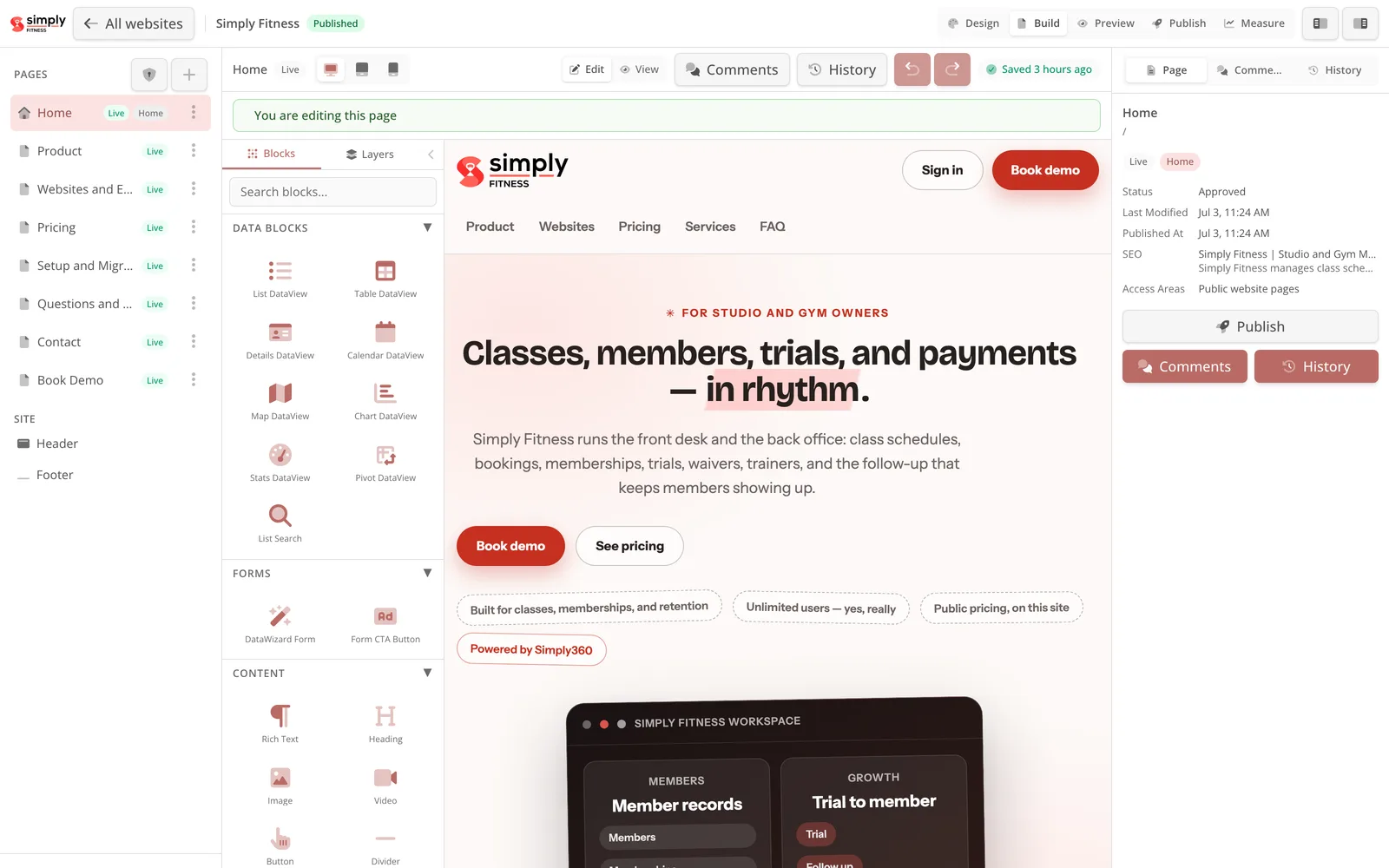
PUBLIC PAGE
Build the booking surface
Website Studio edits the public pages members use to find classes and start a trial.
This is the page editor; the actual class schedule and signup are configured separately.
FITNESS OPERATIONS / IN MOTION
One connected flow for schedules, bookings, trials, memberships, payments, waivers and the people at the front desk.
THE HANDOFF
A public signup, the member record, payment state and configured follow-up form one connected operating flow.
Website Studio edits the public pages members use to find classes and start a trial.
This is the page editor; the actual class schedule and signup are configured separately.
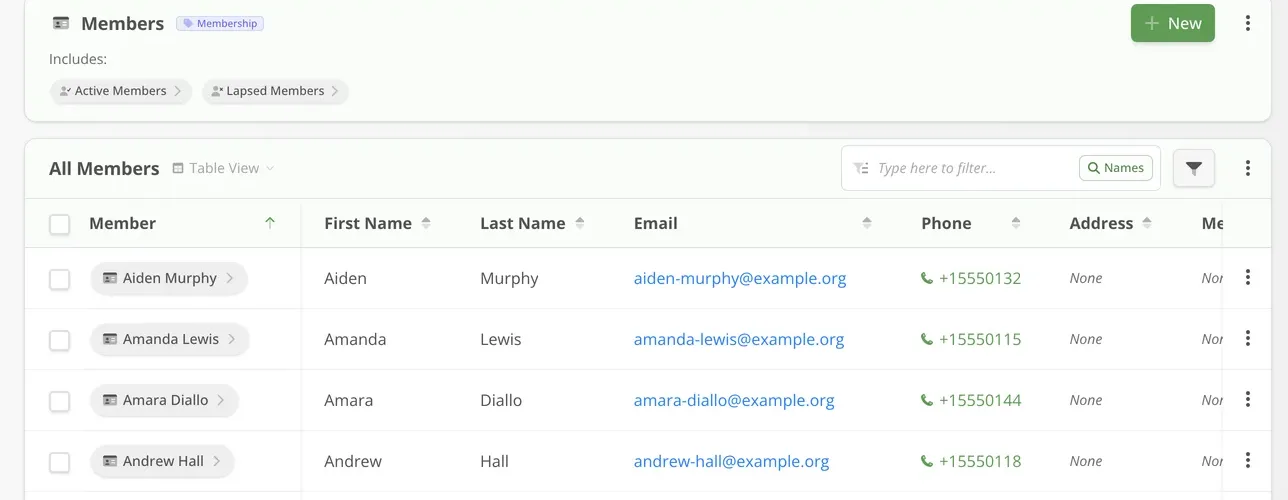
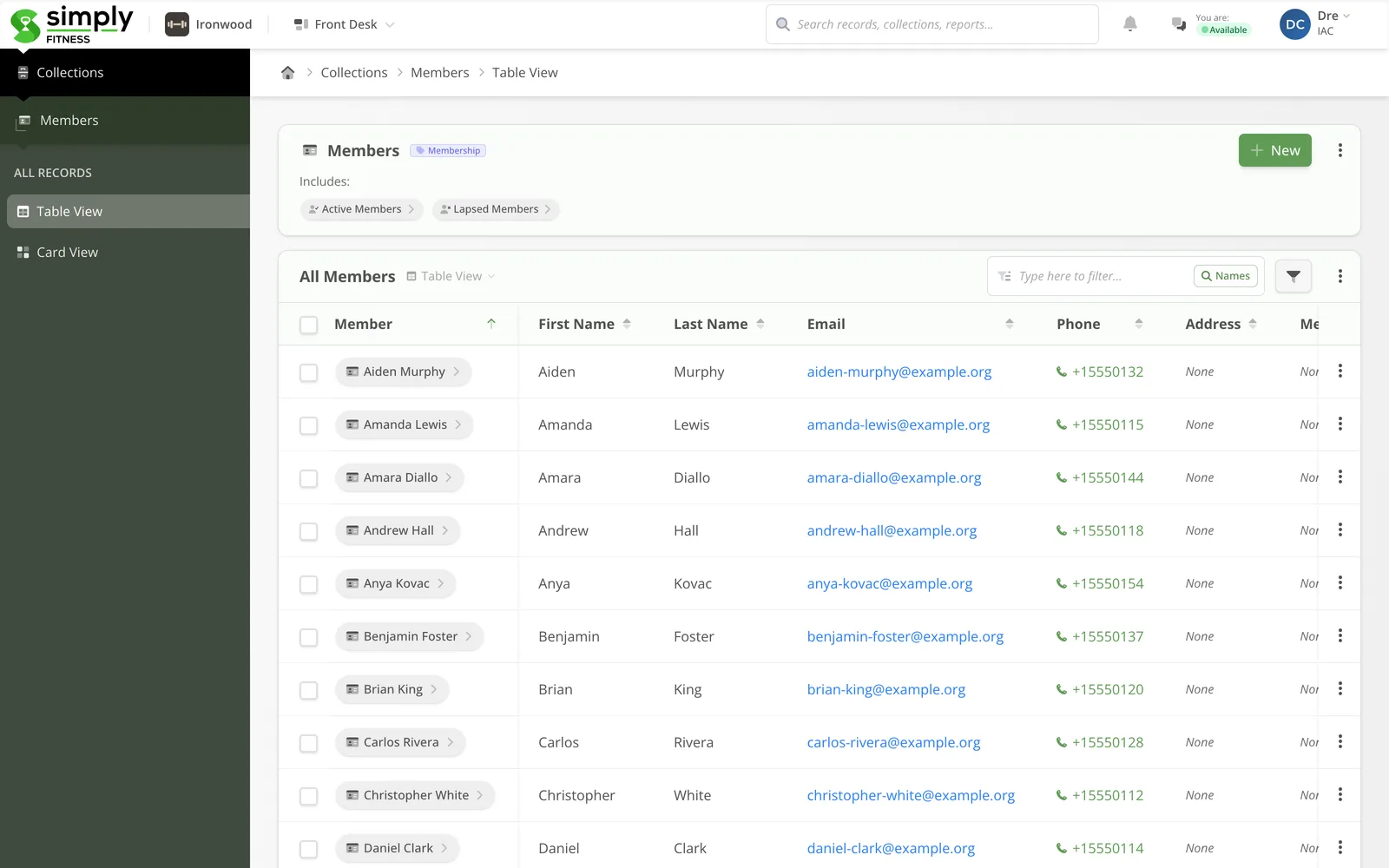
The Simply Fitness demo workspace shows how member records appear in a working table.
Demo names and contact details illustrate the roster; they are not customer records.
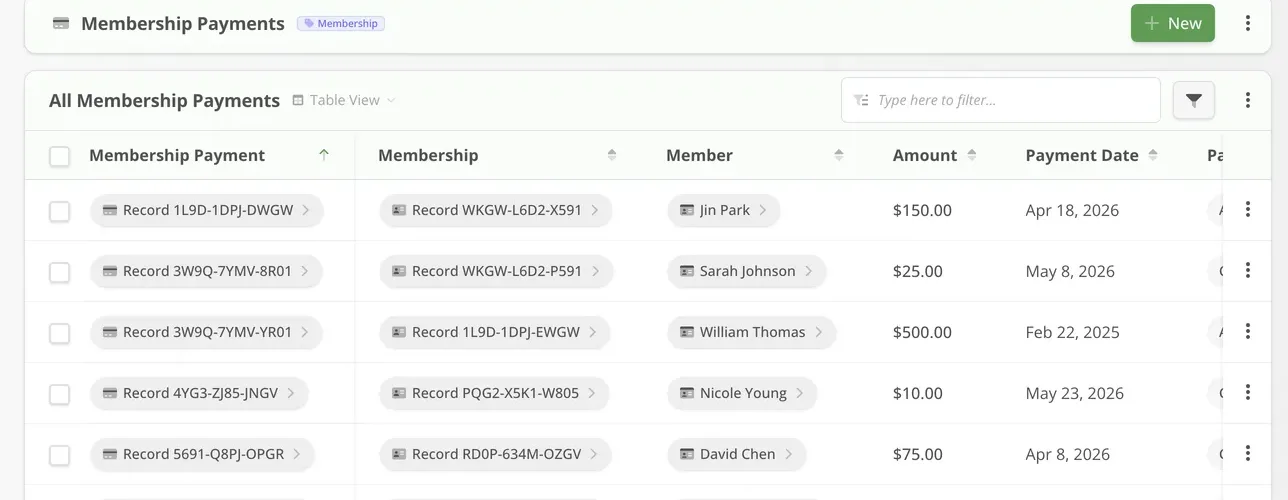
Membership payment records can be viewed with member and amount columns.
The image is a demo table fragment, not a transaction or live charge.
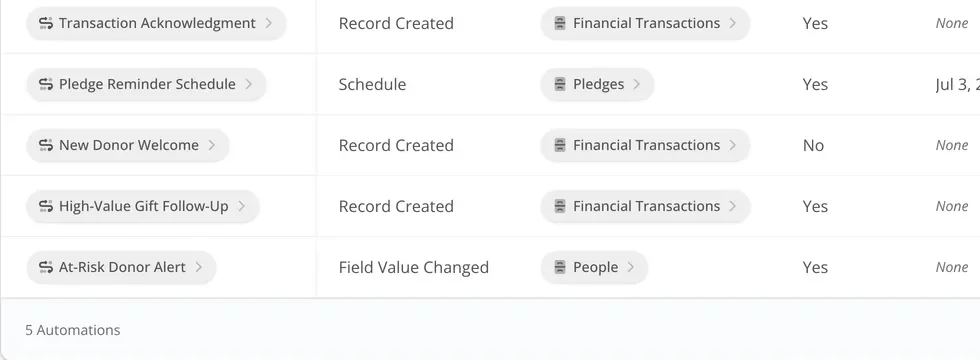
Simply360 shows the Automation rule list used to configure follow-up.
Rules run only when the team configures and enables them.
MEMBER VIEW / DEMO WORKSPACE
THE DAILY FLOW
A class booking starts the story. Trial details, waiver status, membership and payment history give the team context for the next conversation.
Built for the owner, the coach and the front desk.
Publish classes with capacity, waitlists and online booking. Changes stay visible to the people managing the room.
Keep attendance, memberships, waivers, notes and communication history together, with access governed by team permissions.
A trial signup becomes a record the team can follow up on. Membership options and next actions stay connected.
View membership types, payment status and renewals alongside the member record; collect payments through public forms where configured.
Digital waivers and intake forms can attach to the member record, giving the front desk a clear status to check.
Use configured Automations for missed visits, renewals or other member follow-up. The team decides which rules run.
FROM START TO RETURN
A booking creates context. A trial can lead to a membership. Waivers and payments stay connected, and attendance helps the team decide what to do next.
OWNER VIEW
Membership counts, class fill rates, trial conversion, and revenue status in real reports — the business at a glance, not at month-end.
See how it worksFRONT-DESK VIEW
Schedules, bookings, balances, and waiver status live on the member record — service stays fast even at the 6 p.m. rush.
See pricingWorks with any website
Simply Fitness can host your studio website, or embed into the site you already have. Class schedules, trial signups, and membership forms are copy-and-paste embeds that write straight into your member system.
Works even better together
Three companion tools from the Simply360 family can extend Simply Fitness: tags and scans in the physical world, live maps for spaces, and a standalone website builder for teams that want the site before the full system.

Class check-in tags at the studio door, tap-to-verify membership cards at the front desk, and equipment tags that open a “report a problem” form — every tap validates securely and logs to the right member record.
Explore Simply Action Tags
Studios, courts, lanes, and training rooms on a live floor plan: members see what is open right now, bookings check the real class schedule, and a lobby kiosk shows today’s sessions room by room.
Explore Simply Spaces
Need the public site first? Simply Websites gives studio and gym teams the same Website Studio as a standalone builder: draft free, publish for $39/month, and connect Simply Fitness when the site needs live data.
Explore Simply WebsitesShow us the schedule board, the trial follow-up list, and the billing spreadsheet. We will map them to Simply Fitness and show you the calmer version.